 Aisatsu
Touch Trigonometry
Learn trig by touch
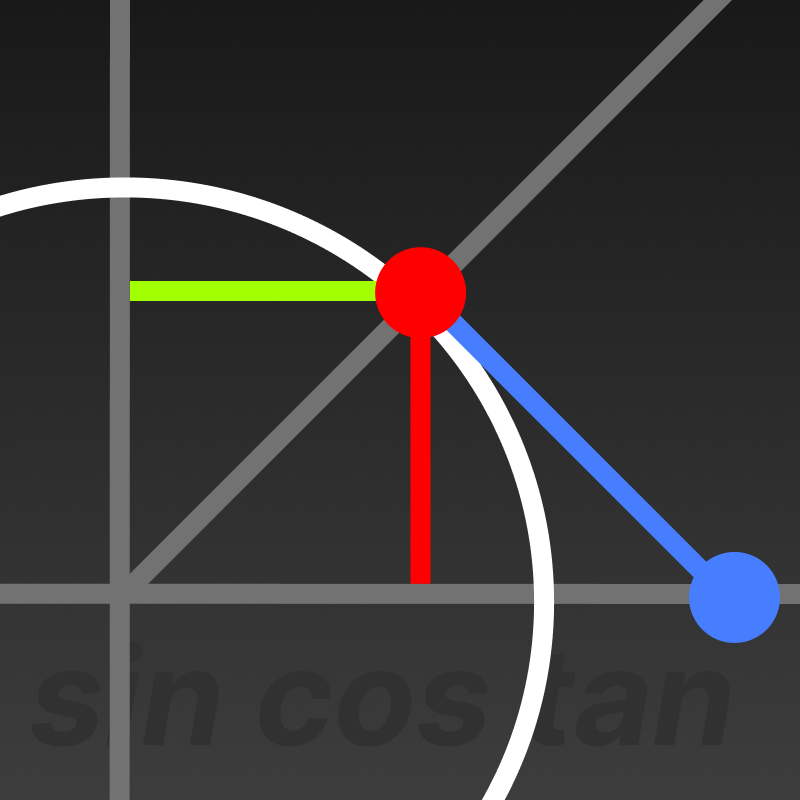
An interactive unit circle that shows how the six trig functions work.
About Touch Trigonometry
Touch Trigonometry lets you explore the trig functions by interacting directly with a unit circle. Instead of memorizing formulas, you drag your finger around the circle and see how sin, cos, tan, and the rest change in real time.
A triangle overlay shows the geometric relationships, and live graphs on the right trace each function's value as you move. It's a simple idea—you touch it, you see it, you get it.
How Touch Trigonometry Works
Unit Circle
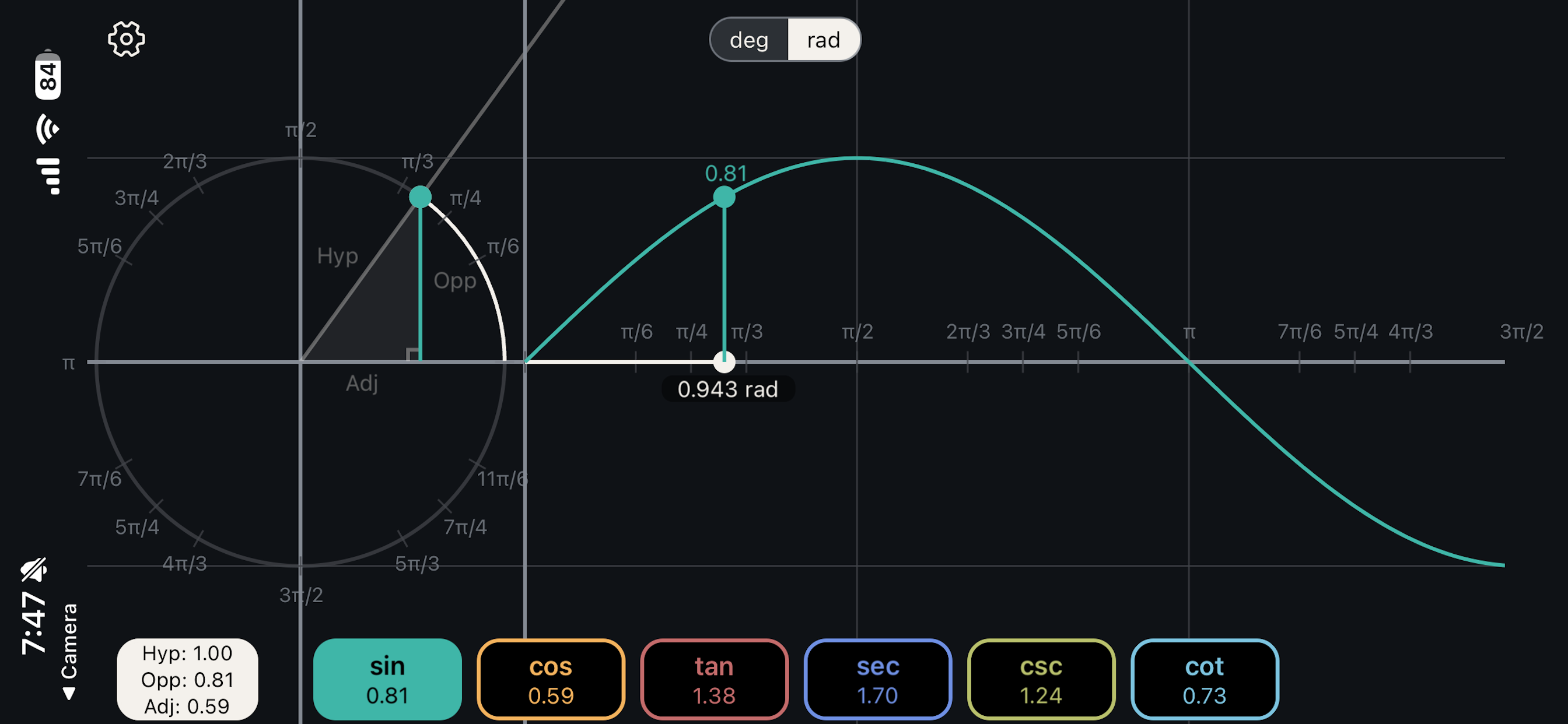
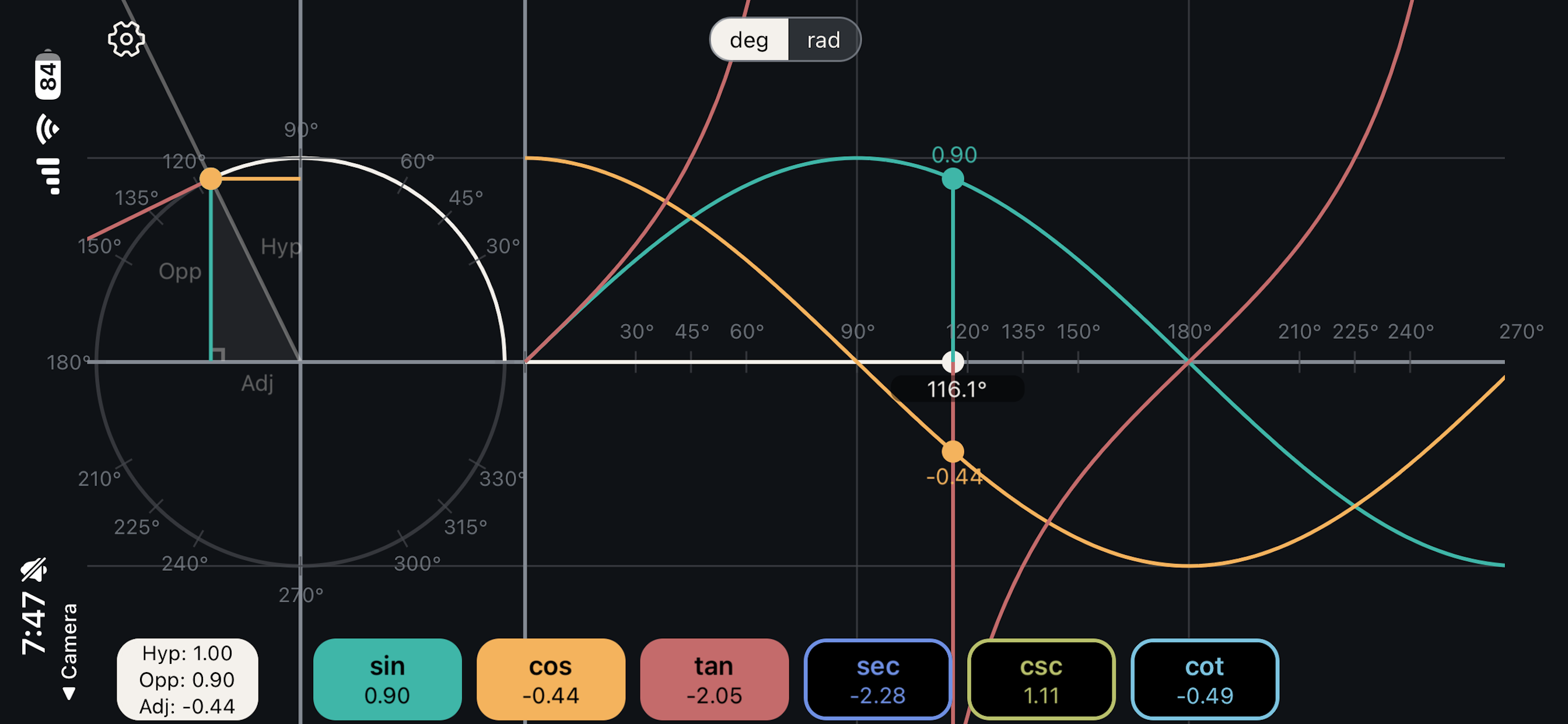
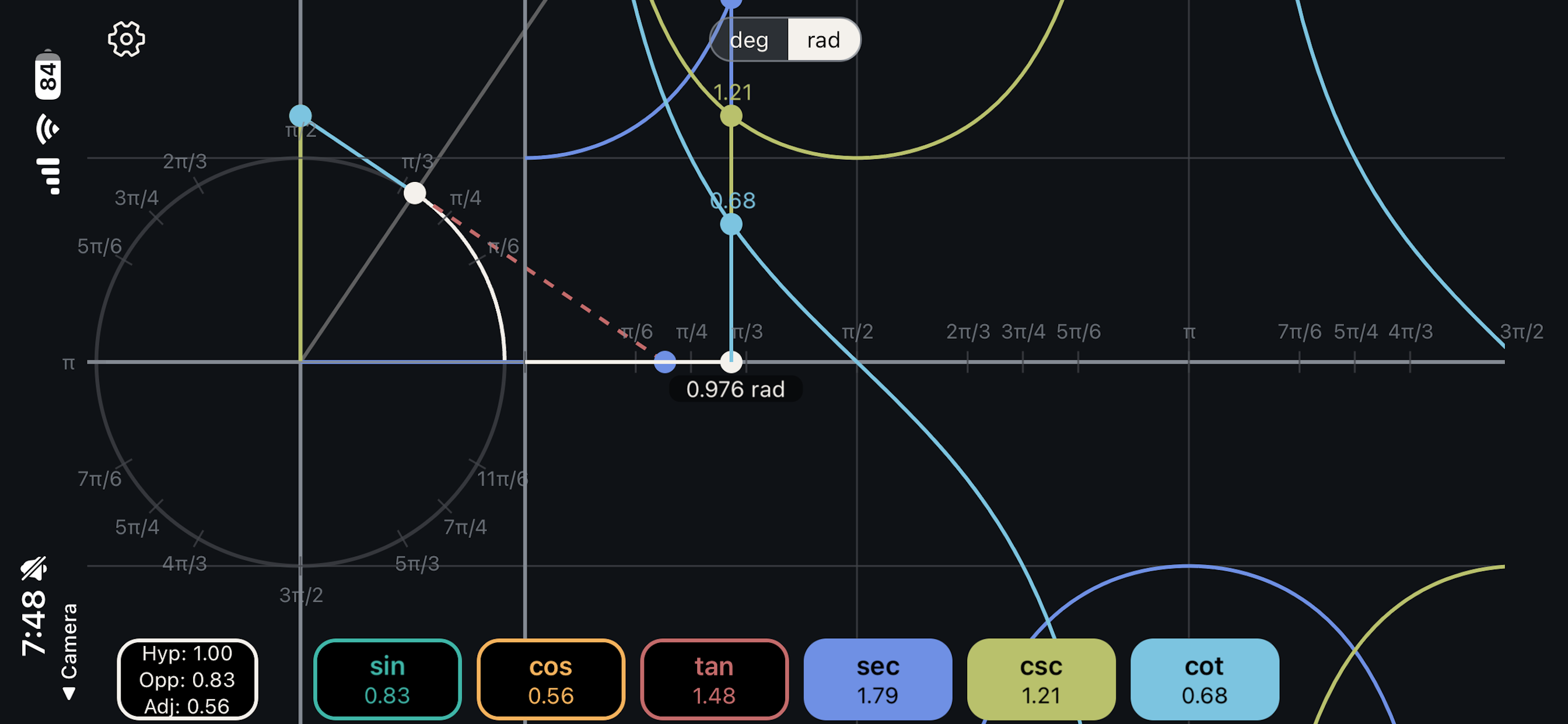
Drag anywhere on the unit circle to change the angle. A right triangle updates to show how the angle relates to each trig value.
Live Graph
Live graphs of all six functions update as you move. You can also drag on the graph side to control the angle from there.
That's It
No tutorial, no onboarding. Just open the app and start dragging. Everything is connected and responds immediately.
Touch Trigonometry Screenshots
Touch Trigonometry Features
Full Unit Circle
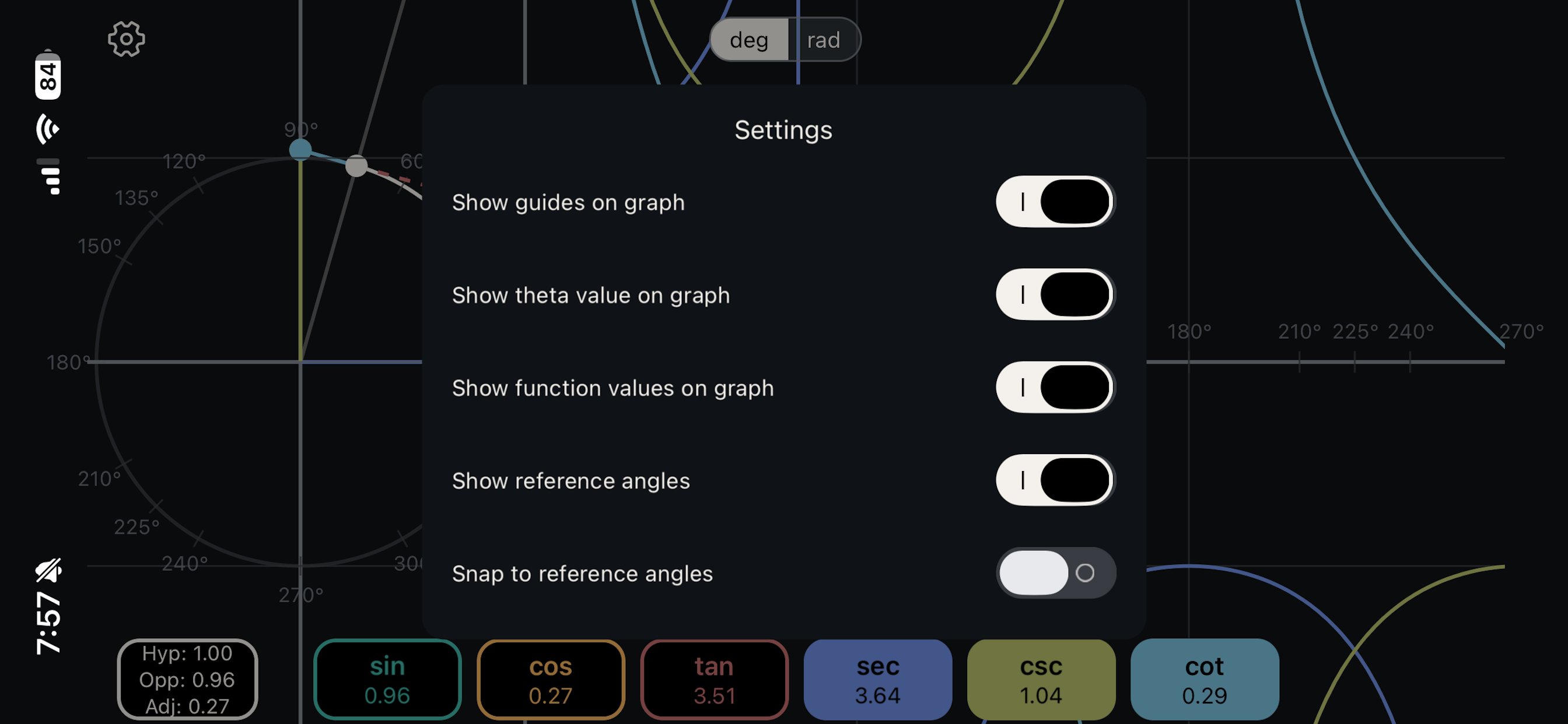
Interactive unit circle with touch control, right triangle overlay showing Opp/Adj/Hyp, and reference angle markers.
All 6 Functions
Sine, cosine, tangent, secant, cosecant, and cotangent—all visualized with live graphs and real-time value tracking.
Degrees & Radians
Switch between degrees and radians. Snap to reference angles like 30°, 45°, 60°, and 90°.
No Clutter
Dark theme, colorblind-friendly colors, pinch-to-zoom on graphs. No ads, no account.
Who Loves Touch Trigonometry
- High school and college students learning trig
- Teachers demonstrating concepts in class
- Engineers and scientists refreshing fundamentals
- Anyone who was told to "just memorize SOHCAHTOA"
- Visual learners who need to see it to get it
Pricing
Free Features
Full unit circle interaction with sine visualization, triangle overlay, degree/radian switching, and all settings.
Paid Features
Unlock cosine, tangent, secant, cosecant, cotangent, advanced graph features, and all future updates with a one-time purchase.
Support
Having trouble or have a question? We're here to help.